AI
How I Use Claude Code to Build Real-World Web Applications
A practical look at my workflow for using Claude Code as an engineering partner while building and shipping a full-stack portfolio application.
Contents
How I Use Claude Code to Build and Ship Real-World Web Applications
AI coding tools have changed the way I approach software development.
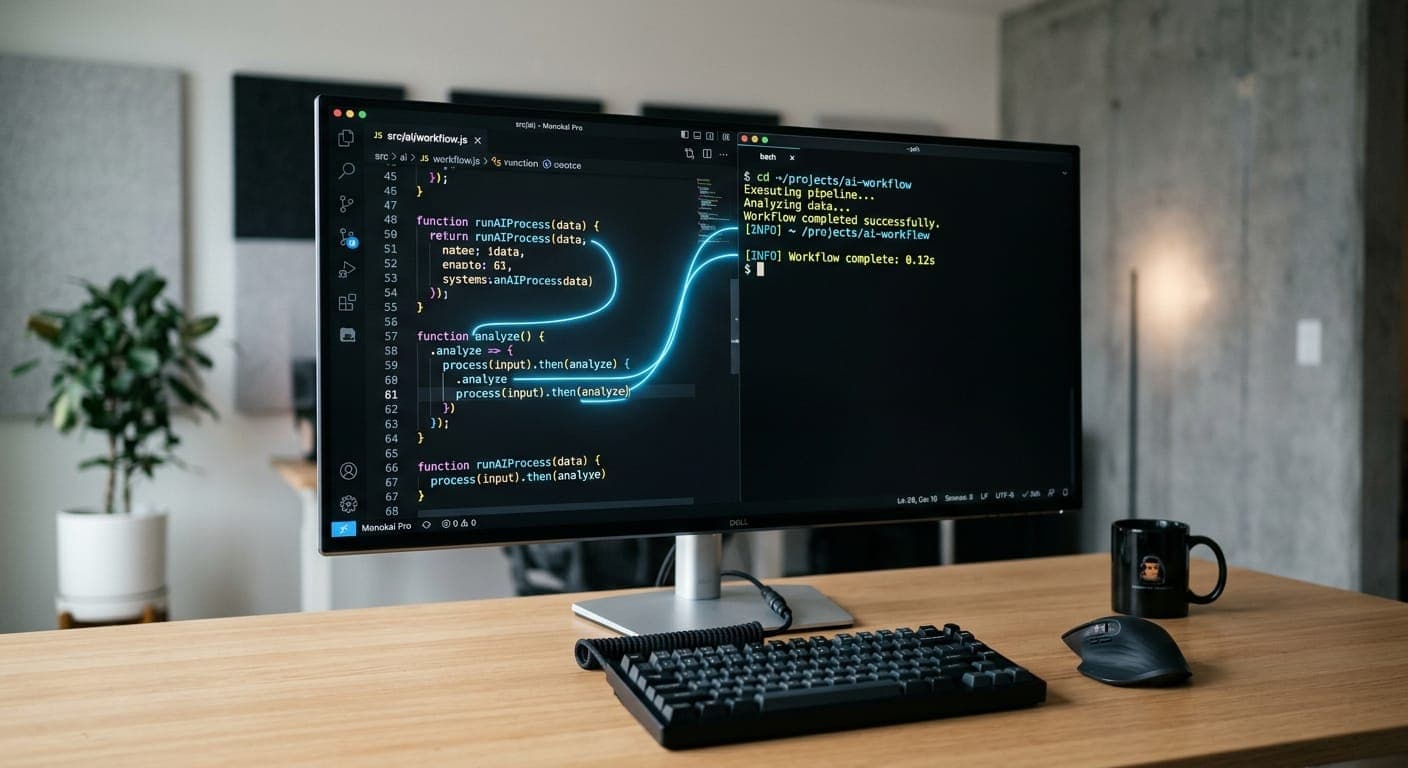
But for me, using an AI coding assistant isn't about asking it to "build an app" and accepting whatever it produces. The more useful approach is to treat it as an engineering partner: I define the product direction, make architectural decisions, review the implementation, test the result, and use AI to accelerate the parts of development that would otherwise take more time.
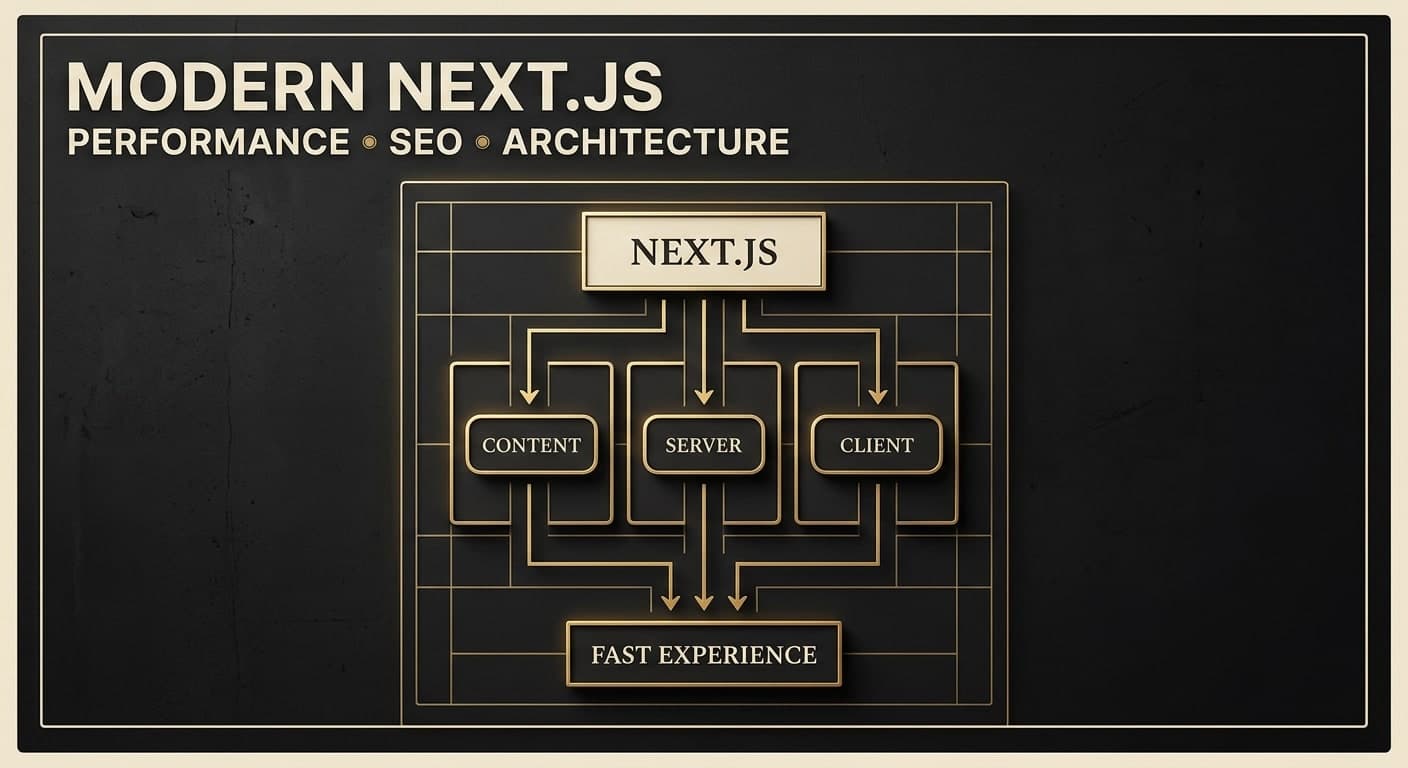
Recently, I used Claude Code extensively while rebuilding my personal portfolio. What started as a visual redesign eventually became a full-stack project with a CMS, authentication, database-backed content, blogging, SEO infrastructure, image uploads, animations, and deployment through Vercel.
This article explains how I approached that process.
Why I Started Using Claude Code
Traditional development often involves moving back and forth between several tasks:
- Understanding an unfamiliar codebase
- Finding the right files
- Implementing components
- Refactoring existing code
- Debugging errors
- Writing configuration
- Running tests and builds
- Checking deployment issues
An AI coding agent can reduce a lot of that context switching.
Instead of asking for isolated snippets, I can describe a feature at a higher level and let the agent inspect the existing project before making changes.
That distinction is important.
I don't want an AI that only generates code.
I want an AI that can understand the existing codebase, make changes across multiple files, run checks, find problems, and iterate.
My Workflow: Think First, Then Implement
One of the biggest lessons I've learned is that the quality of the result depends heavily on the quality of the instructions.
Instead of immediately saying:
"Build me a portfolio."
I first define what the portfolio needs to accomplish.
For my portfolio, the goal wasn't simply to have a nice-looking website.
I wanted it to:
- Present my work professionally
- Demonstrate frontend and full-stack development skills
- Have strong visual design and motion
- Be fast and responsive
- Be SEO-friendly
- Allow me to publish technical articles
- Allow me to manage projects without editing source code
- Support future freelance and job opportunities
Once those requirements were clear, Claude Code could work within a much more useful context.
Step 1: Let the Agent Understand the Existing Project
Before changing the code, I asked Claude Code to inspect the existing project.
This is one of the most important steps.
An existing application already has:
- Routing
- Components
- Styling
- Dependencies
- Data structures
- Configuration
- Deployment assumptions
Replacing everything immediately can create more problems than it solves.
Instead, I wanted the agent to understand what was already there and improve it incrementally.
The general workflow was:
Existing project
      ↓
Inspect architecture
      ↓
Identify reusable components
      ↓
Plan changes
      ↓
Implement
      ↓
Run checks
      ↓
Review
      ↓
Iterate
This approach also helped prevent unnecessary rewrites.
Step 2: Turning a Visual Idea Into an Engineering Plan
I wanted the portfolio to feel more like a creative digital experience than a traditional developer portfolio.
The visual direction included:
- Strong typography
- Scroll-based animation
- Subtle interaction
- Three.js/WebGL visualization
- Editorial-style layouts
- Project-focused presentation
- Responsive behavior
But visual ideas need engineering constraints.
For example, adding Three.js to a portfolio can easily become expensive if everything is rendered immediately.
So the implementation used a lazy-loaded Three.js experience rather than making the entire application dependent on WebGL.
The goal was simple:
Use visual technology where it improves the experience, not simply because it looks technically impressive.
Step 3: Building the Visual Experience
The portfolio eventually included several layers of motion.
For scroll-based interactions, I used an intersection-based reveal system so elements could animate into view as the visitor moved through the page.
For the hero section, Three.js was used to create an interactive visual field.
The important part wasn't simply creating a 3D effect.
The implementation also considered:
- Mobile performance
- Reduced-motion preferences
- Device pixel ratio
- Visibility of the canvas
- Tab visibility
- Cleanup and disposal
- Fallback behavior
This is where AI assistance becomes particularly useful.
Instead of manually searching through documentation for every implementation detail, I could describe the desired behavior and then review the generated solution against the actual requirements.
Step 4: The Portfolio Became a Product
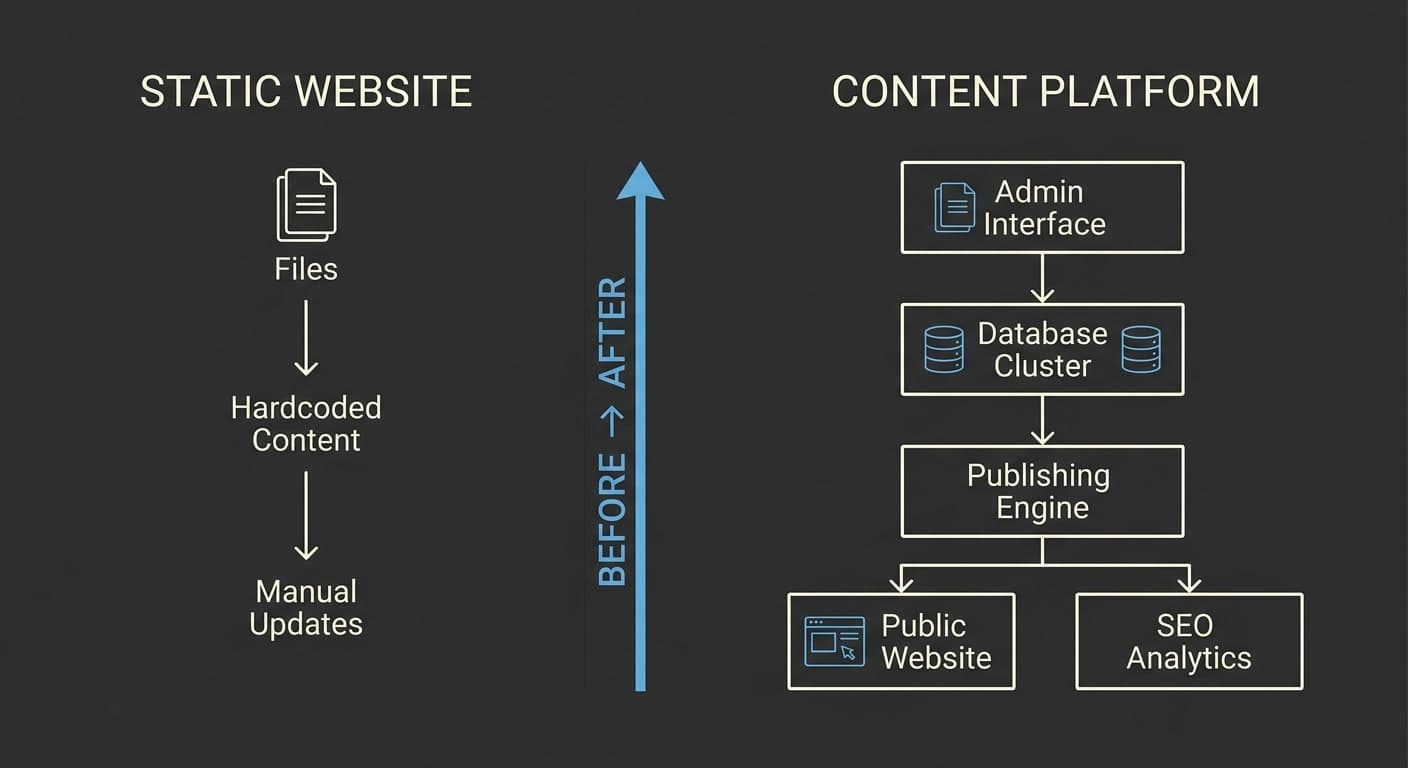
At some point, I realized that a portfolio shouldn't require me to edit source code every time I want to add a project.
So I changed the direction.
Instead of a static portfolio, I wanted a small content management system behind it.
The architecture became roughly:
                Portfolio
                    │
          ┌─────────┴─────────┐
          │                   │
       Public                Admin
          │                   │
    ┌─────┴─────┐       ┌─────┴─────┐
    │            │       │           │
 Projects      Blog   Projects      Blog
    │            │       │           │
    └────────────┴───────┴───────────┘
                    │
                 Prisma
                    │
                  Neon
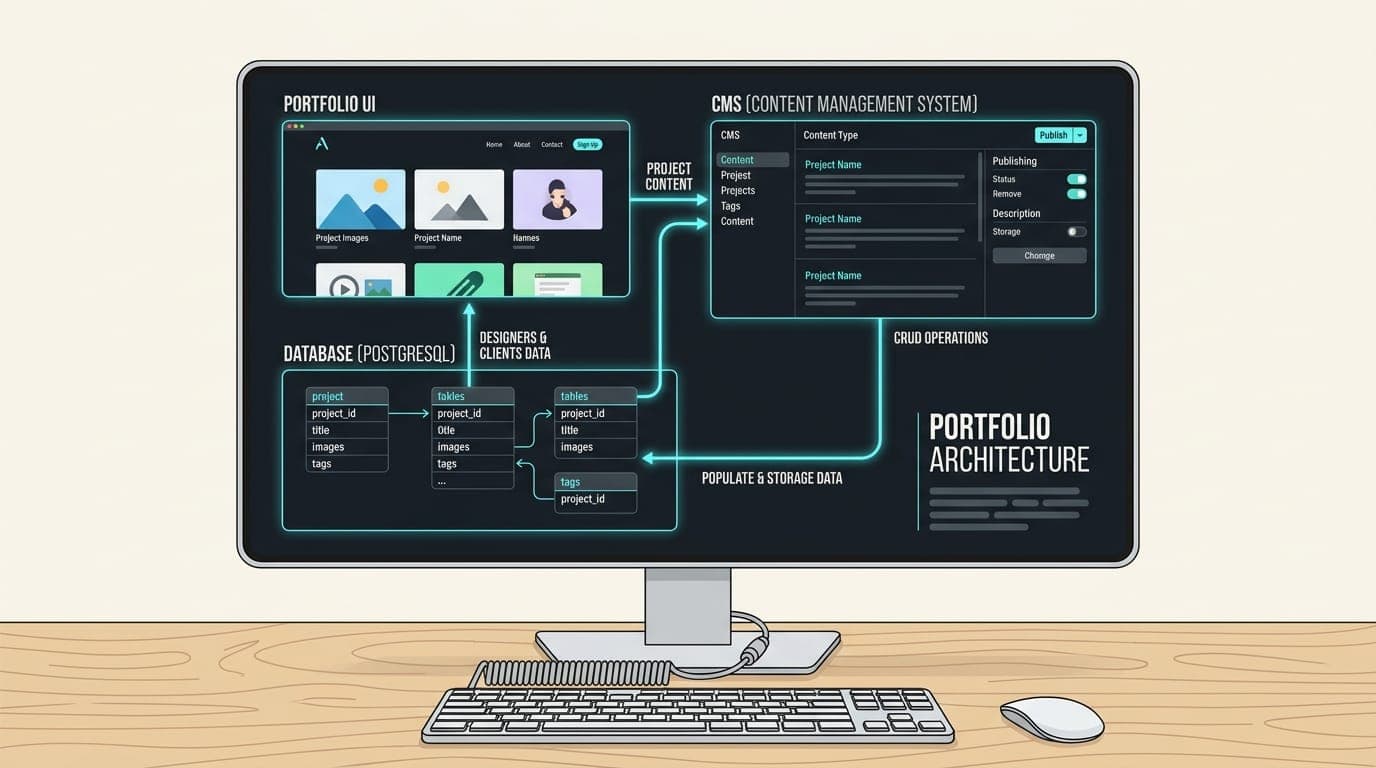
The public website reads content from the database, while the admin interface allows me to manage that content.
This turned the portfolio into something closer to a small product rather than a collection of static pages.
Step 5: Adding a Database and CMS
The CMS needed to support project management and blogging.
For projects, I wanted to be able to:
- Add projects
- Edit projects
- Delete projects
- Publish/unpublish projects
- Change their order
- Manage project information
For blog posts:
- Create drafts
- Edit articles
- Publish articles
- Unpublish articles
- Manage SEO metadata
- Add tags
- Add cover images
I used Prisma with PostgreSQL on Neon for the database layer.
The important thing here was not the technology choice alone.
The important part was designing the data model around the actual content workflow.
Step 6: Adding Authentication
Once there was an admin dashboard, authentication became necessary.
The admin area was separated from the public website and protected through authentication.
The workflow became:
Visitor
   │
   ├── Public pages → Portfolio
   │
   └── /admin
          │
       Login
          │
       Authentication
          │
       Admin dashboard
One thing I paid attention to here was keeping sensitive credentials out of the repository.
Environment variables are used for things such as:
DATABASE_URL
DIRECT_URL
AUTH_SECRET
ADMIN_PASSWORD_HASH
The actual values belong in the environment, not in Git.
This is a simple rule, but it is one of the easiest things to get wrong when moving quickly with AI-assisted development.
Step 7: Making the Blog SEO-Friendly
Adding a blog wasn't just about publishing articles.
I wanted the articles to be discoverable.
That meant adding SEO infrastructure such as:
- Page titles
- Meta descriptions
- Canonical URLs
- Open Graph metadata
- Article metadata
- Structured data
- Sitemap generation
- Robots configuration
- Internal linking
The article pages also support structured content such as:
- Headings
- Lists
- Tables
- Quotes
- Code blocks
- Syntax highlighting
- Table of contents
This is another example of why I prefer using AI as an engineering assistant rather than simply asking it to generate a page.
The feature isn't just "make a blog."
The actual requirement is closer to:
Build a publishing system that produces technically sound, discoverable content.
That difference changes the implementation.
Step 8: Using AI for Debugging
One of the most useful parts of Claude Code has been debugging.
During development, problems appeared that weren't obvious from looking at a single component.
For example, a production deployment can behave differently from a local development environment because of:
- Environment variables
- Database connectivity
- Build-time rendering
- Runtime rendering
- Static generation
- Authentication configuration
- Hosting configuration
Instead of manually checking every file, I can ask Claude Code to trace the problem through the relevant parts of the application.
But I still need to understand the diagnosis.
I don't blindly accept:
"I fixed it."
I want to know:
- What caused the problem?
- Which file caused it?
- Why did the fix work?
- Could the change introduce another problem?
- Does the production build still work?
That review step is important.
AI Writes Code, But I Still Make the Decisions
This is probably the most important lesson from my experience.
Claude Code can write a lot of code very quickly.
That doesn't mean it should make every engineering decision.
I still need to decide:
- What the product should do
- Which features matter
- Which features don't matter
- What the user experience should feel like
- Which architecture makes sense
- What trade-offs are acceptable
- Whether generated code actually solves the problem
For example, when designing the portfolio's loading system, I didn't want a spinner appearing everywhere.
The requirement was more specific:
When someone clicks something, the interface should immediately communicate that something is happening.
That led to a lightweight navigation progress system and contextual loading states instead of covering the application with generic spinners.
The difference is product thinking.
Keeping AI From Overengineering
Another thing I've learned is that AI will often happily build more than you actually need.
If you ask for a sophisticated CMS, you might end up with:
- Multiple abstraction layers
- Complex state management
- Extra dependencies
- Unnecessary services
- Features nobody uses
So I try to define boundaries explicitly.
For example:
Need:
- One admin user
- Project CRUD
- Blog CRUD
- Draft/publish
- Ordering
- SEO fields

Don't need:
- Multi-user permissions
- Comments
- Newsletter
- CRM
- Microservices
- Complex analytics
This keeps the implementation focused.
The same principle applies to visual design.
Just because you can add another animation doesn't mean you should.
AI-Assisted Development Still Requires Testing
One mistake would be treating successful code generation as successful software.
Those are two different things.
My workflow includes checks such as:
Implementation
     ↓
Lint
     ↓
Production build
     ↓
Route verification
     ↓
Authentication testing
     ↓
Database testing
     ↓
Manual browser testing
     ↓
Deployment
Automated checks are useful, but they aren't enough.
For example, an animation can technically work while still feeling terrible.
A route can return HTTP 200 while the actual user experience is broken.
A database query can succeed while the wrong content is displayed.
That's why manual testing still matters.
Claude Code as a Force Multiplier
I don't see AI coding agents as replacements for developers.
I see them as force multipliers.
The biggest advantage is not simply typing code faster.
It's reducing the amount of time spent on repetitive implementation and allowing more attention to go toward:
- Product decisions
- Architecture
- UX
- Testing
- Debugging
- Performance
- Business requirements
A developer who understands the system can use an AI coding agent much more effectively than someone who simply accepts generated code.
What I Would Recommend to Other Developers
If you're starting with Claude Code or another AI coding agent, I'd recommend a simple workflow.
1. Give it context
Explain the existing project and the goal.
2. Start with a plan
Don't immediately ask for hundreds of changes.
Break the project into meaningful pieces.
3. Let it inspect before modifying
Existing code contains important context.
4. Keep the scope controlled
Tell the agent what you don't want as well as what you do want.
5. Review the implementation
Don't treat generated code as automatically correct.
6. Test continuously
Run lint, builds, and real application tests.
7. Protect your secrets
Never put database credentials, API secrets, passwords, or authentication secrets into source code.
8. Keep making the product decisions yourself
AI can suggest solutions.
You still decide what should actually be built.
Final Thoughts
Building this portfolio changed how I think about AI-assisted development.
The most valuable part wasn't that Claude Code could generate components quickly.
It was the ability to move between different layers of a project much faster:
Idea
 ↓
Design
 ↓
Architecture
 ↓
Implementation
 ↓
Database
 ↓
Authentication
 ↓
SEO
 ↓
Testing
 ↓
Deployment
The developer's role doesn't disappear in this workflow.
If anything, the role becomes more focused on thinking clearly, making good decisions, reviewing systems, and understanding what is being built.
For me, that's the real value of Claude Code.
It doesn't replace the engineering process.
It helps me move through that process faster.
And the better I understand the product and the technology, the more useful the AI becomes.
Tags
- Claude Code
- AI Development
- Web Development
- Next.js
- Full Stack
Written by
Fuad Hasan Emon. I build full-stack products and AI automation. See my work or start a conversation.