Three.js
Three.js in Production: Adding 3D Without Sacrificing Performance
How I approached adding a WebGL-powered 3D experience to a production portfolio while keeping performance, accessibility, responsiveness, and reduced-motion behavior in mind.
Contents
Three.js in Production: Adding 3D Without Sacrificing Performance
3D on the web is easy to make impressive.
Making it feel impressive without making the website feel heavy is much harder.
When I redesigned my portfolio, I wanted the hero section to have a stronger sense of depth and personality than a traditional static landing page. A Three.js-powered visual field was a natural direction.
But I didn't want the portfolio to become a Three.js demo.
The 3D experience had to support the website rather than compete with it.
That changed the way I approached the implementation.
Instead of asking, “How can I make this more complex?”, I started asking:
How much visual complexity can I introduce while keeping the rest of the website fast, accessible, and usable?
That became the central engineering constraint.
The role of 3D
The purpose of the WebGL experience was not to communicate technical skill by itself.
It had a much simpler job:
- create depth behind the hero
- establish a distinctive visual identity
- react subtly to user interaction
- make the first viewport feel alive
- disappear into the background when the user continues scrolling
The content remained the primary experience.
The 3D layer was supporting infrastructure for the visual design.
The architecture
The implementation is intentionally isolated inside a dedicated component.
At a high level, the structure looks like this:
Hero
│
├── Content
│   ├── Eyebrow
│   ├── Headline
│   ├── Description
│   ├── CTA
│   └── Supporting information
│
└── HeroField
    │
    ├── Three.js Scene
    ├── Camera
    ├── Particle Geometry
    ├── Material
    ├── Pointer Interaction
    ├── Scroll Interaction
    └── Visibility / Lifecycle Management
This separation is important.
The hero content should still work if WebGL is unavailable.
That means the visual enhancement is progressive rather than fundamental.
Why a particle field?
I considered the usual approaches to 3D hero sections: large objects, abstract geometry, floating models, and heavily animated scenes.
A particle field offered a better balance.
It can communicate depth without requiring a large asset.
It also gives me control over:
- particle count
- geometry
- displacement
- opacity
- camera movement
- color
- interaction
- responsiveness
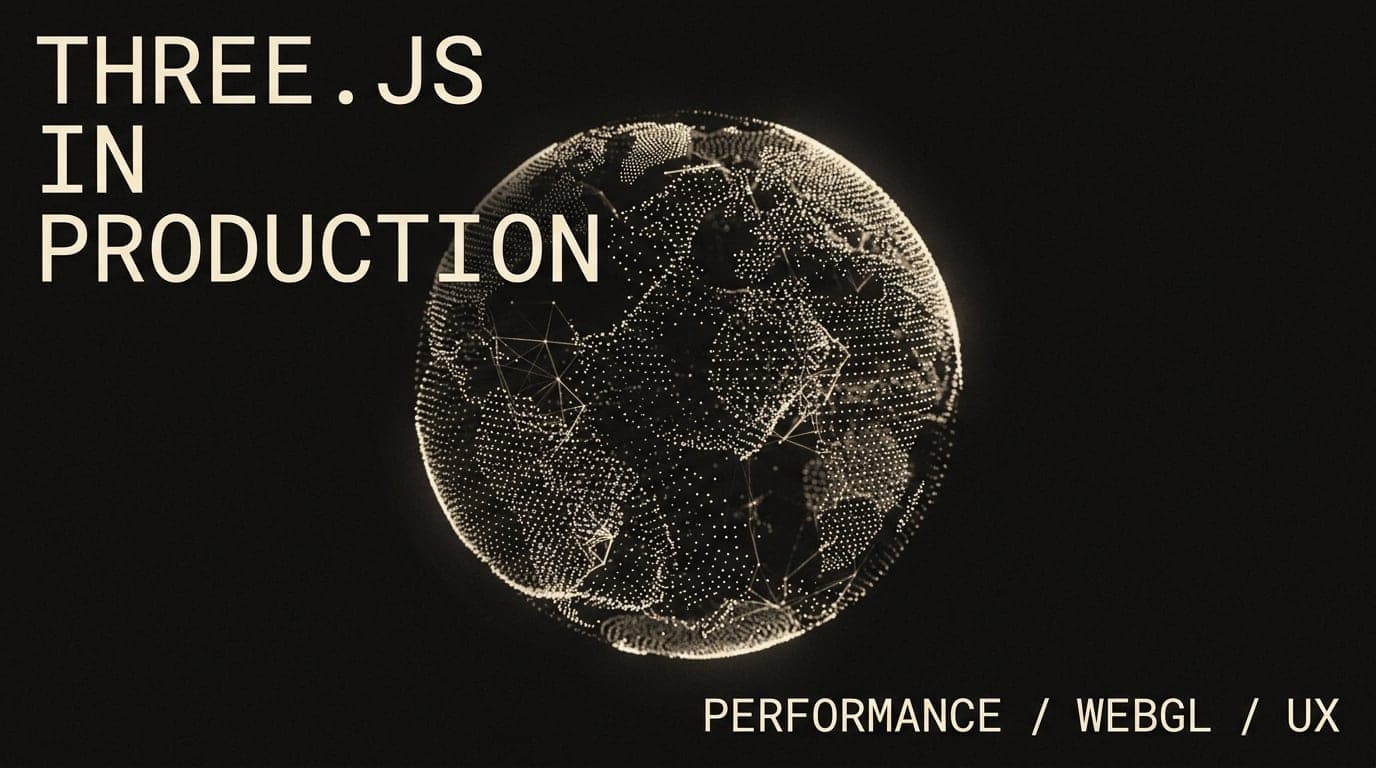
The final effect uses a spherical particle distribution rather than a random cloud.
The result feels more intentional because the particles have an underlying structure.
Creating the structure
The particles are distributed around a spherical form using a Fibonacci-style distribution.
The basic idea is simple.
Instead of randomly positioning thousands of particles, points are distributed around the surface so the visual density remains relatively consistent.
Conceptually:
                •
          •           •
      •                   •
    •                       •
    •         SPHERE        •
      •                   •
          •           •
                •
The geometry is then displaced to avoid looking like a perfect mathematical sphere.
This creates a balance between structure and randomness.
Controlled noise
Perfect geometry often feels artificial.
Pure randomness often feels meaningless.
Noise sits somewhere between the two.
The particle positions can be displaced using layered noise so that the surface develops subtle variations.
The important word here is subtle.
The goal wasn't to create an aggressively distorted object.
It was to create something that feels organic when the user watches it over time.
Performance starts with fewer particles
One of the easiest mistakes with WebGL is assuming that more particles automatically create a better visual.
They don't.
More particles mean:
- more geometry
- more GPU work
- more memory
- potentially more rendering cost
So the scene uses device-aware particle counts instead of assuming every device has the same rendering capability.
Desktop and mobile don't need identical visual density.
A premium experience should adapt.
Device pixel ratio matters
High-DPI displays can create another performance problem.
If a device has a very high device pixel ratio and the renderer blindly uses the full value, the number of pixels being rendered can increase significantly.
A practical solution is to clamp the effective DPR.
Conceptually:
devicePixelRatio
       │
       ▼
   clamp value
       │
       ▼
 WebGL renderer
This preserves visual sharpness while avoiding unnecessary rendering cost.
Don't animate what the user cannot see
Another important optimization is visibility.
If the hero has scrolled out of the viewport, continuously rendering the scene doesn't provide value to the user.
The implementation therefore observes whether the hero is visible and can pause work when it is not.
The same principle applies when the browser tab is hidden.
This is a small implementation detail, but it reflects a broader principle:
Animation should earn its CPU/GPU time.
Interaction should be restrained
Pointer interaction can easily become distracting.
Instead of making the scene aggressively follow the cursor, the movement is eased.
The pointer influences the visual field gradually.
This produces a feeling of physical depth rather than a UI element attached to the mouse.
The difference is subtle:
Bad:
cursor → object immediately follows

Better:
cursor → target position → eased movement → object
That small amount of interpolation makes the interaction feel more intentional.
Scroll is another input
The visual doesn't need to remain equally strong throughout the page.
As the user moves away from the hero, the 3D field gradually becomes less dominant.
This creates a natural transition:
Hero enters
   ↓
3D field appears
   ↓
User explores
   ↓
Scroll interaction
   ↓
3D field dissolves
   ↓
Content becomes primary
This is important from a design perspective.
Animation shouldn't compete with the content indefinitely.
Reduced motion
A production animation system also needs to account for users who prefer reduced motion.
For those users, large continuous motion can be unnecessary or uncomfortable.
The experience therefore has a reduced-motion path where the visual becomes significantly more static and restrained.
This isn't just an accessibility checkbox.
It also makes the architecture cleaner because the animation system has an explicit fallback state.
WebGL shouldn't be a single point of failure
A portfolio should not become unusable because a GPU effect failed.
The core content is HTML and React.
The WebGL layer is an enhancement.
That gives the system this hierarchy:
CONTENT
  │
  ├── Always available
  │
  └── VISUAL ENHANCEMENT
          │
          ├── WebGL available
          │      → render 3D
          │
          └── WebGL unavailable
                 → fallback visual
This is one of the most important architectural decisions in the implementation.
Lifecycle management matters
WebGL resources need to be handled deliberately.
A component that creates:
- geometries
- materials
- textures
- renderers
- animation loops
also needs to clean them up.
Otherwise, navigating around a site or repeatedly mounting the component can create unnecessary memory usage.
The component therefore has explicit cleanup responsibilities.
The bigger lesson
The most interesting part of adding Three.js wasn't actually Three.js.
It was learning where to stop.
A portfolio doesn't become premium because it contains the maximum amount of animation.
It becomes premium when every animated element feels intentional.
For me, the final system follows a simple hierarchy:
Content
   ↓
Typography
   ↓
Layout
   ↓
Interaction
   ↓
Animation
   ↓
WebGL
The lower layers should never compensate for weaknesses in the layers above them.
If the typography is weak, adding particles won't fix it.
If the layout is confusing, adding parallax won't fix it.
If the content isn't useful, adding WebGL won't make the project credible.
The 3D layer works because it has a clear job.
It establishes atmosphere.
It creates depth.
Then it gets out of the way.
Final thoughts
Production-quality creative development is mostly about restraint.
It's easy to make something move.
It's harder to decide what should move, how much it should move, when it should stop moving, and what happens when the ideal environment isn't available.
That's the difference between adding an effect and engineering an experience.
For my portfolio, Three.js became useful when it stopped being the centerpiece and started behaving like part of the design system.
Tags
- Three.js
- WebGL
- JavaScript
- Performance
- Frontend
- Creative Development
Written by
Fuad Hasan Emon. I build full-stack products and AI automation. See my work or start a conversation.